This guide walks you through the simple steps to onboard your YouTube channel to Talentir. In just a few minutes, you’ll unlock real-time payouts, split payments, multiple payment options, tax-smart earnings, yield on claimed earnings, and full control over how and when you get paid.
The Step-by-Step Process
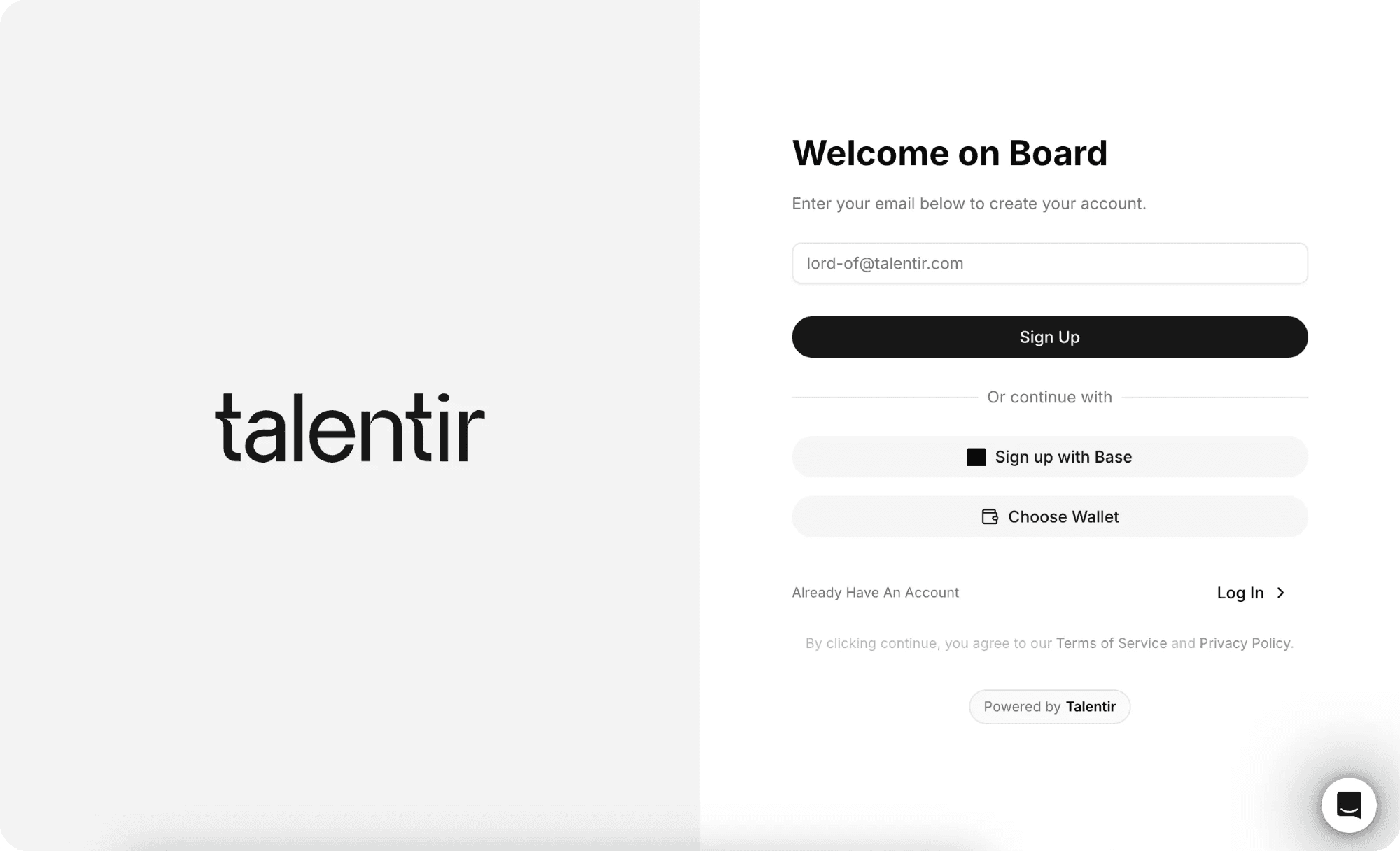
Click on https://www.talentir.com/start to start the process. You can create a Talentir Account using your email, Base or by connecting a Wallet.
After creating your account you will have a first look at our dashboard, where the magic happens 🪄
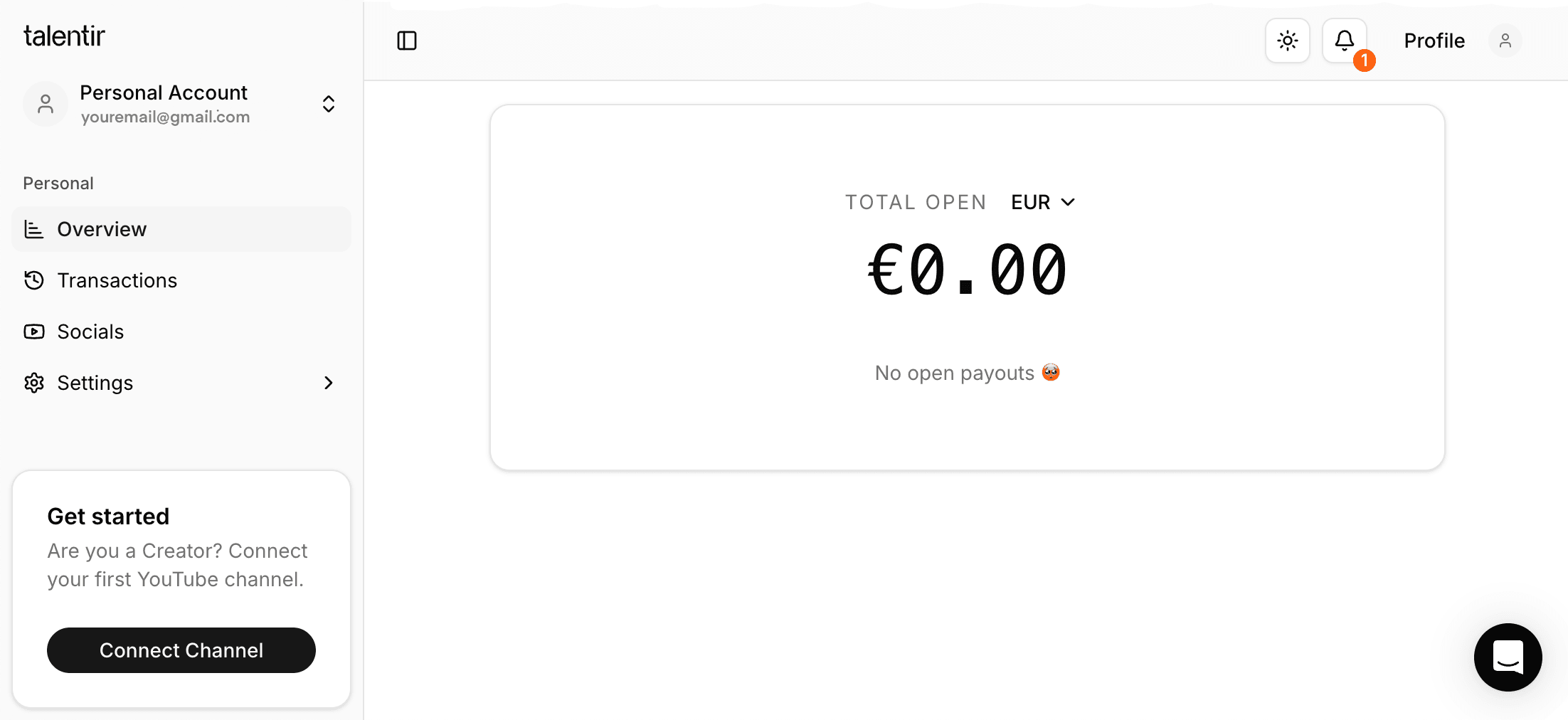
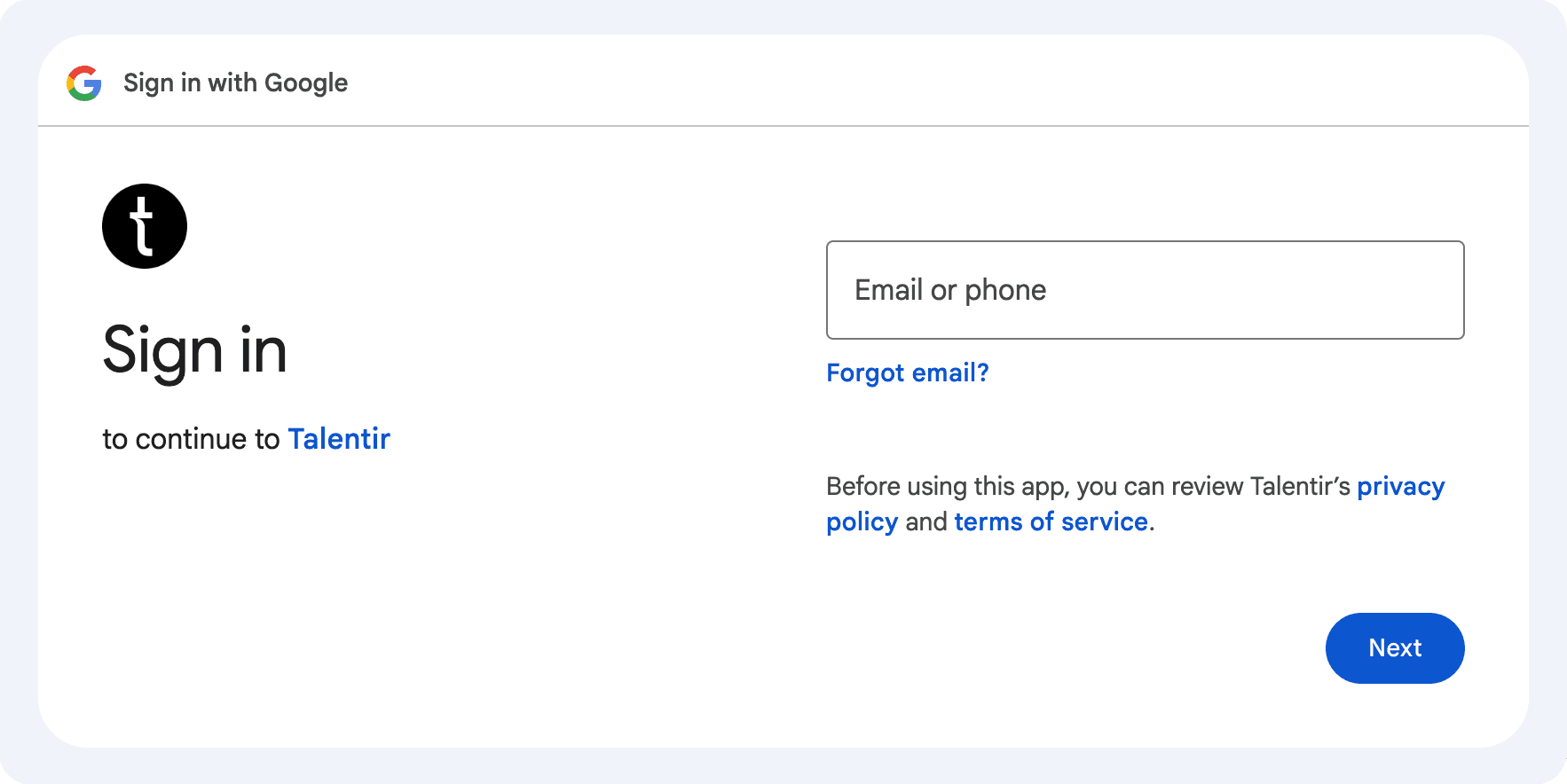
Click on the bottom left on “Connect Channel” and you will be able to connect your YouTube Channel, by simply signing in with the Google Account connected to your channel.
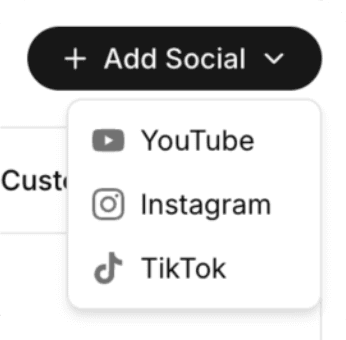
You can add as many channels as you’d like.
Many of our creators manage multiple channels. Talentir allows them to keep track of all of them in one place and claim money how they wish, but we have talked about it in the blog post: How to claim payments on Talentir (make sure to read it after this one)
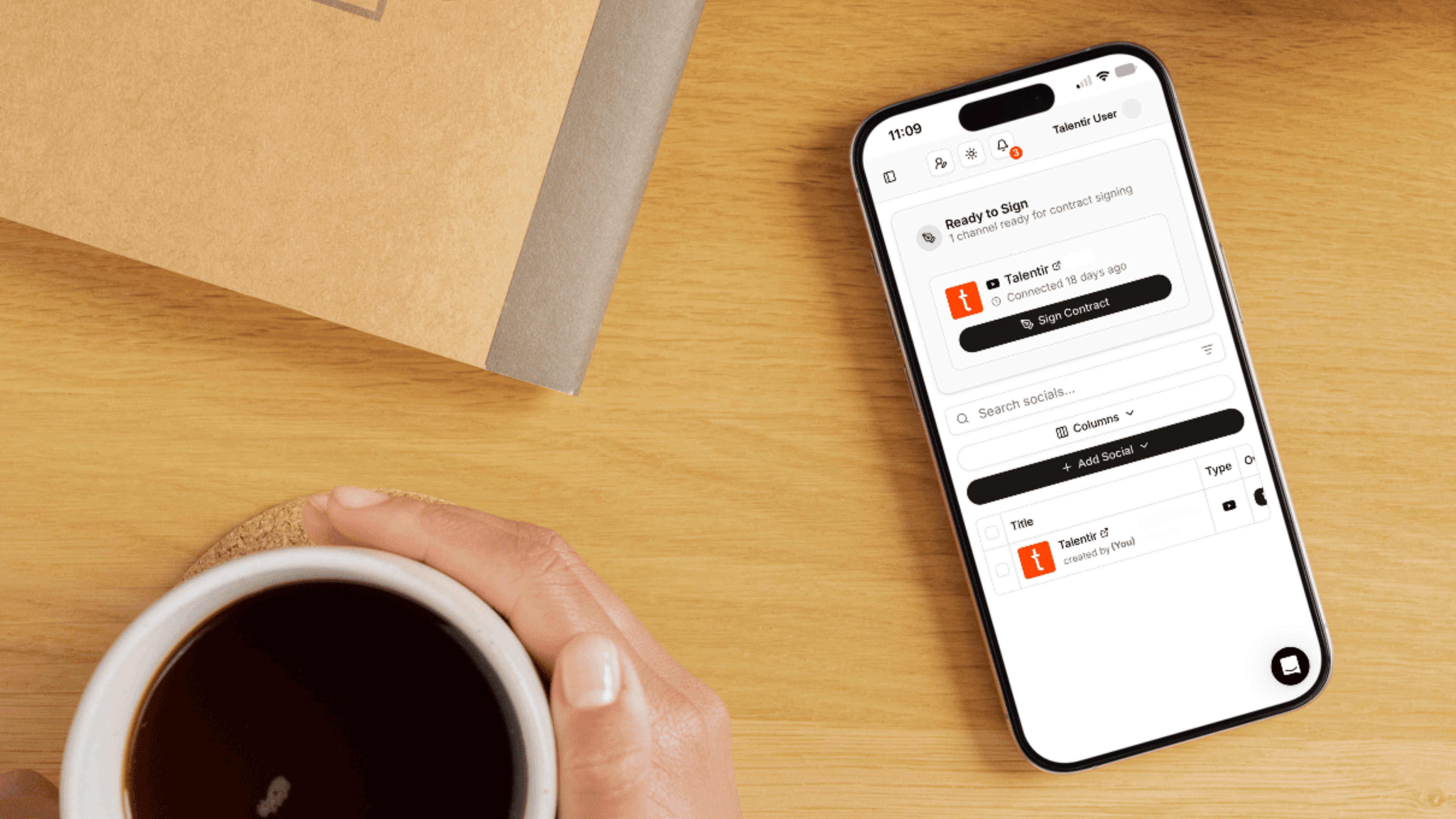
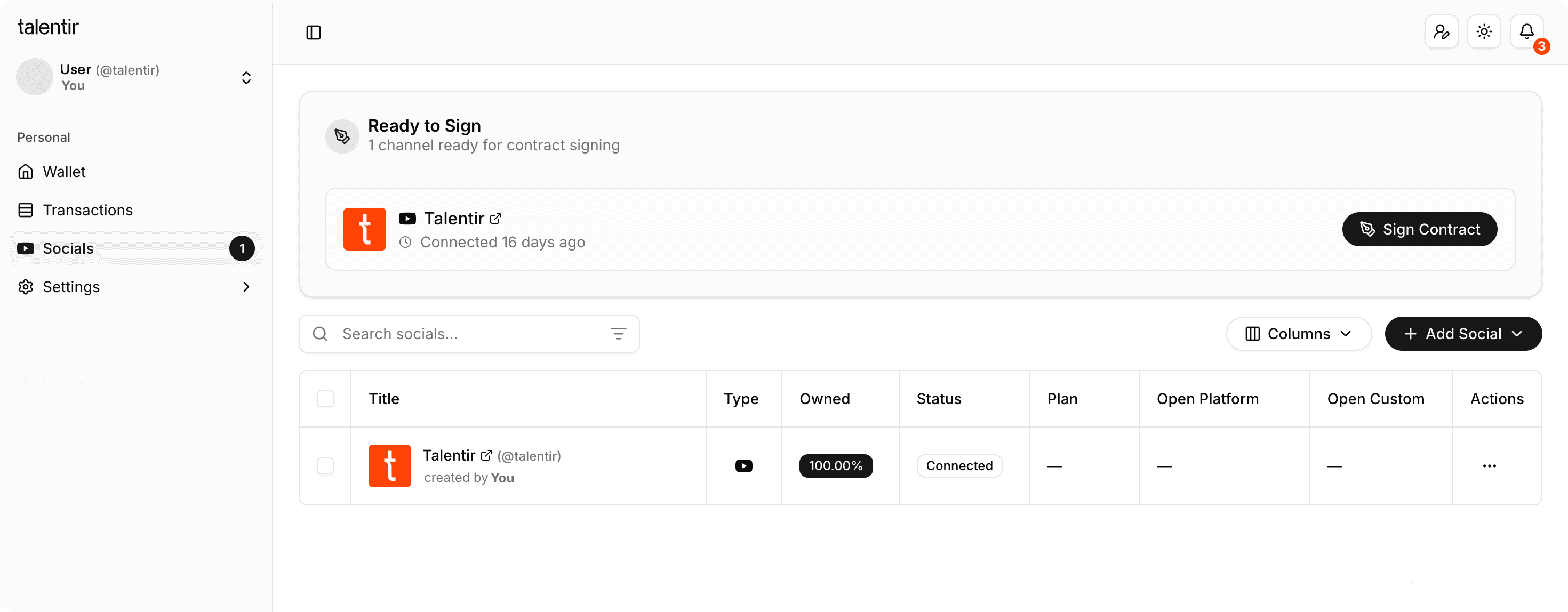
Once all your channels are connected you can sign the contract for each one and agree to Talentir’s terms. You will find it at the top of the “Socials” section.
If you have any questions feel free to reach out through our Chat.
Our contract is very transparent and you are always free to leave in case you feel like the platform is the right fit for you. At Talentir you can enjoy our services with no commitment or small letters.
After signing the contract(s) the last step will be to verify your channel(s) comply with our standards. You need to reach out to us via Chat (you can see it on the right).
We will need two things from you:
- Confirmation of your Channel being part of YPP
- A screenshot of the “Feature Eligibility” section
To access the latter simply go to your YouTube Studio, click on "Settings" on the bottom left, click on "Channel", and then on “Feature Eligibility”, and open the "Standard Features" section, as you can see in the video below.
These final steps help us make sure all Talentir users align to our standards.

Once this step has been finalized you will receive an invitation via email to join our network. You will be able to accept it into your YouTube Studio.
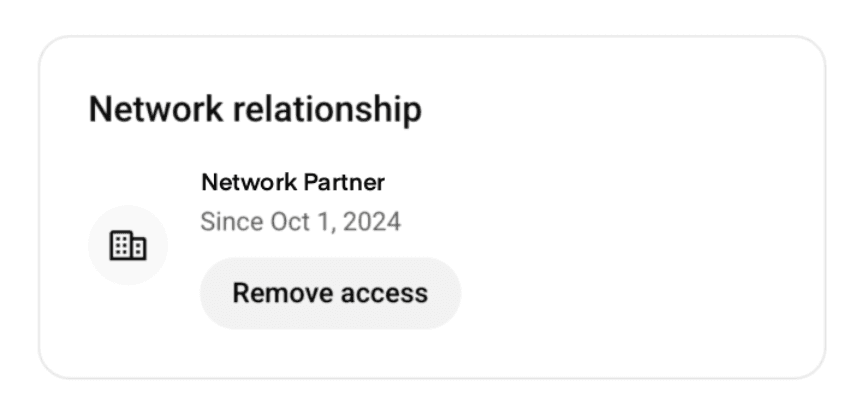
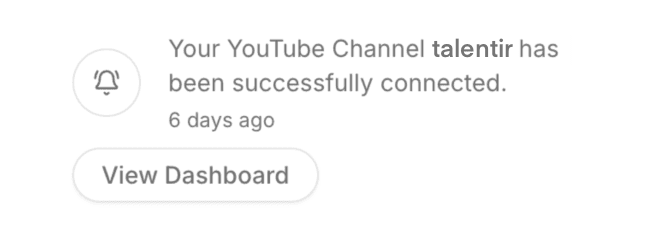
And you are all set! You will get this notification into the Talentir dashboard welcoming you:
When can I start claiming payments?
If you have chosen the real-time payout plan you will start seeing your revenues 3-4 days after you have completed the onboarding, we need a little bit of time to get the data from YouTube.
After that you can claim payments whenever you want and as many times as you want.
If you have chosen the basic plan you will not have access to real time payments, you will need to wait until the end of the month. Once we have received the payment from AdSense it will be added to your Talentir Balance and you can claim it whenever and however you want.
Important information:
If you have pending payments on AdSense that you cannot claim yet (because you haven’t reached the minimum YouTube requirement - usually 70€) make sure to reach that minimum before connecting to Talentir.
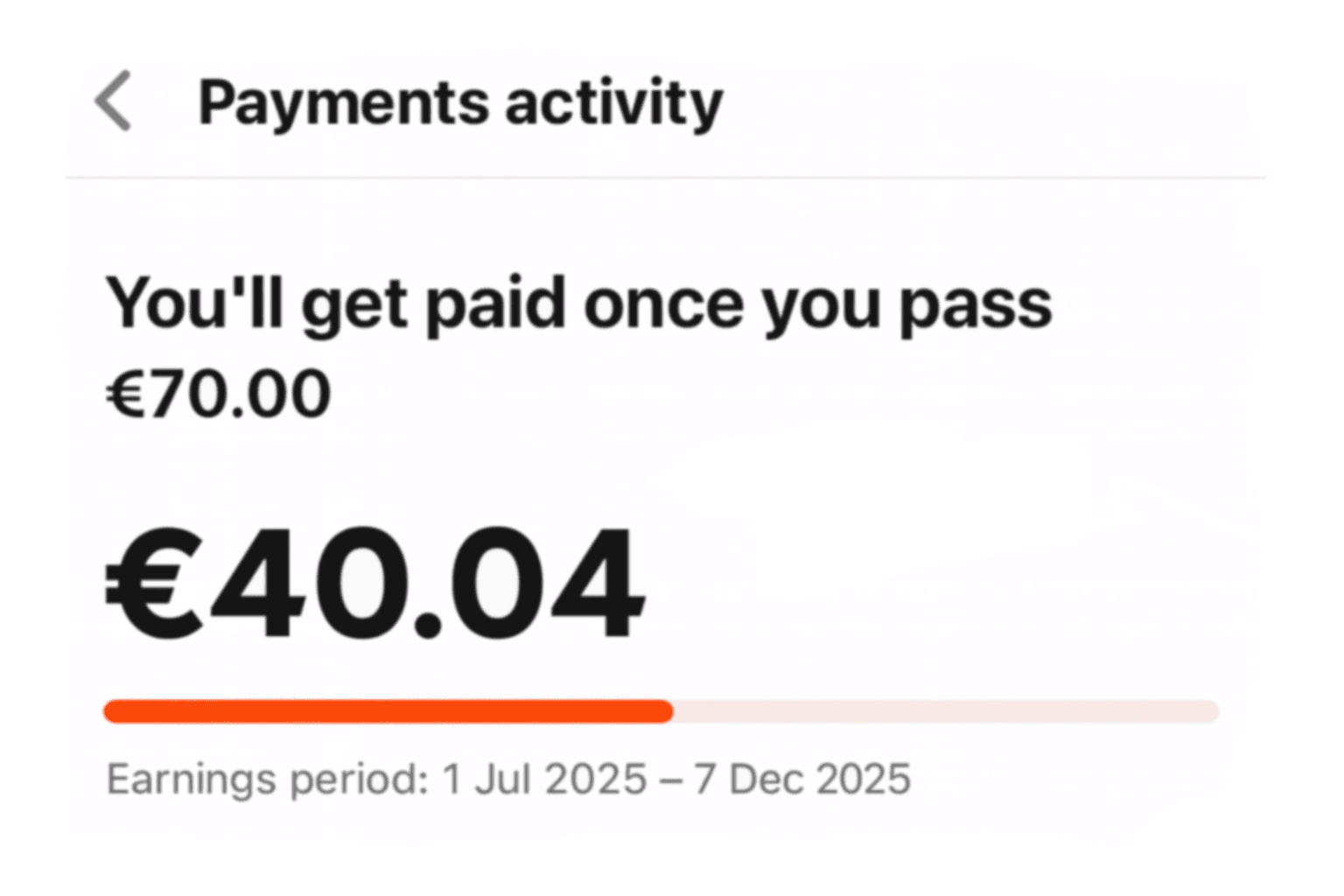
Our network starts tracking revenues from the moment you sign in, so if you have pending revenues on AdSense you will have to claim them yourself. You can claim past revenues on your Adsense even after joining Talentir, but you must have reached the minimum (usually 70€). Nothing is ever lost, just “freezed” inside YouTube until you reach the minimum to claim.
This is another reason we believe Talentir to be better for creators:
We don’t have a minimum amount to claim, contrary to YouTube.
And if you have any doubt or need any help, we are just one message away. Please use the Chat you can see on the right.
P.S: Feel free to speak your native language in the chat, we can speak every language!