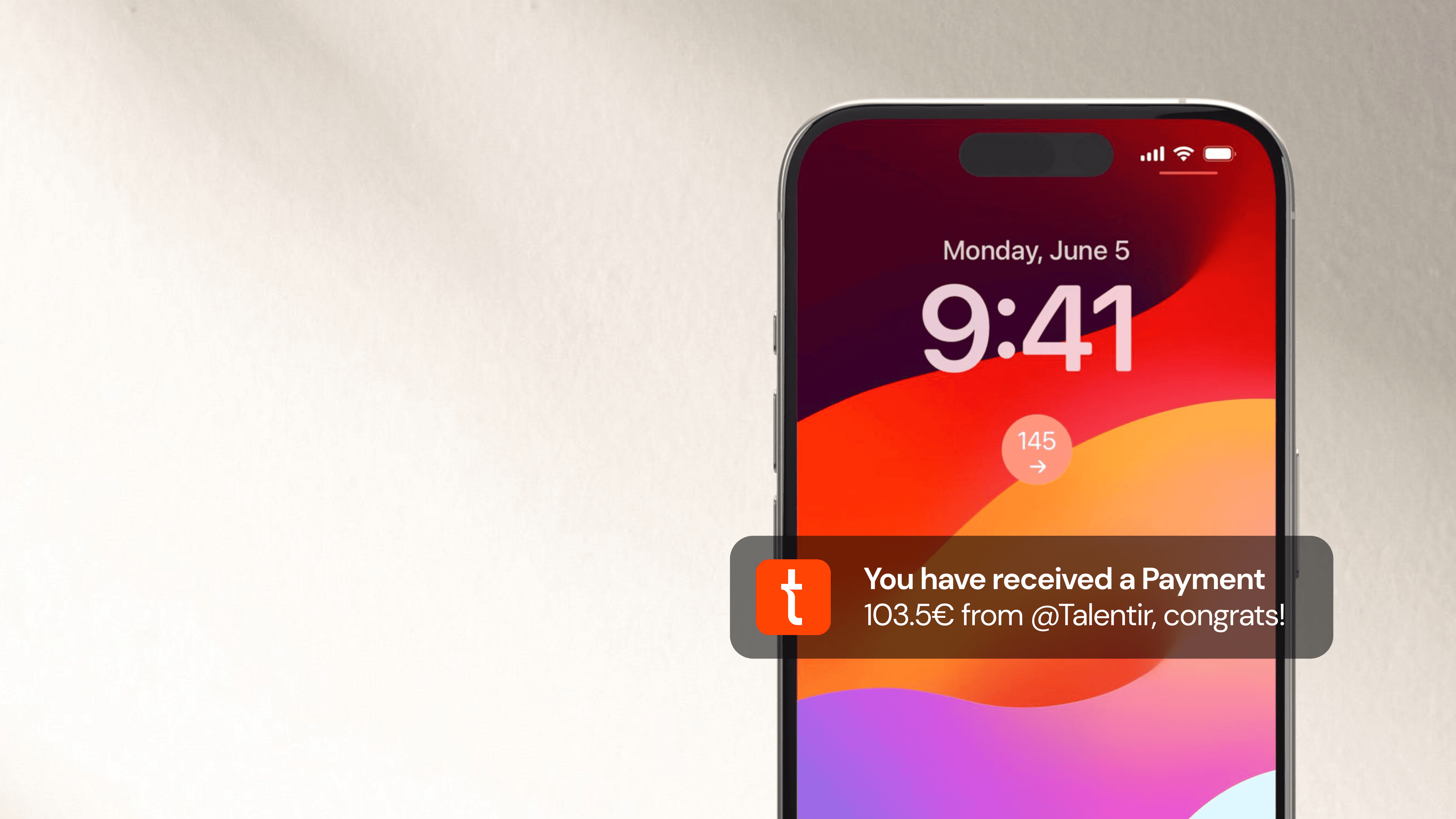
Talentir makes receiving payments extremely quick and easy, with multiple payment methods and multiple currencies available.
Let’s see how you can claim your YouTube earnings on Talentir:
The Step-by-Step Process
Click on https://www.talentir.com/dashboard/overview to start the claiming process. You will see all of your connected channels and you can either:
- claim revenues on one channel by clicking on it
- or collect revenues of all channels together by clicking on "Claim All".

After clicking on claim, you will be able to choose the payment method you prefer. Bank transfer and stablecoins have a 0% fee, while PayPal and Venmo have a -2.5% fee.
For each payment method you are also able to select the currency you prefer to receive.
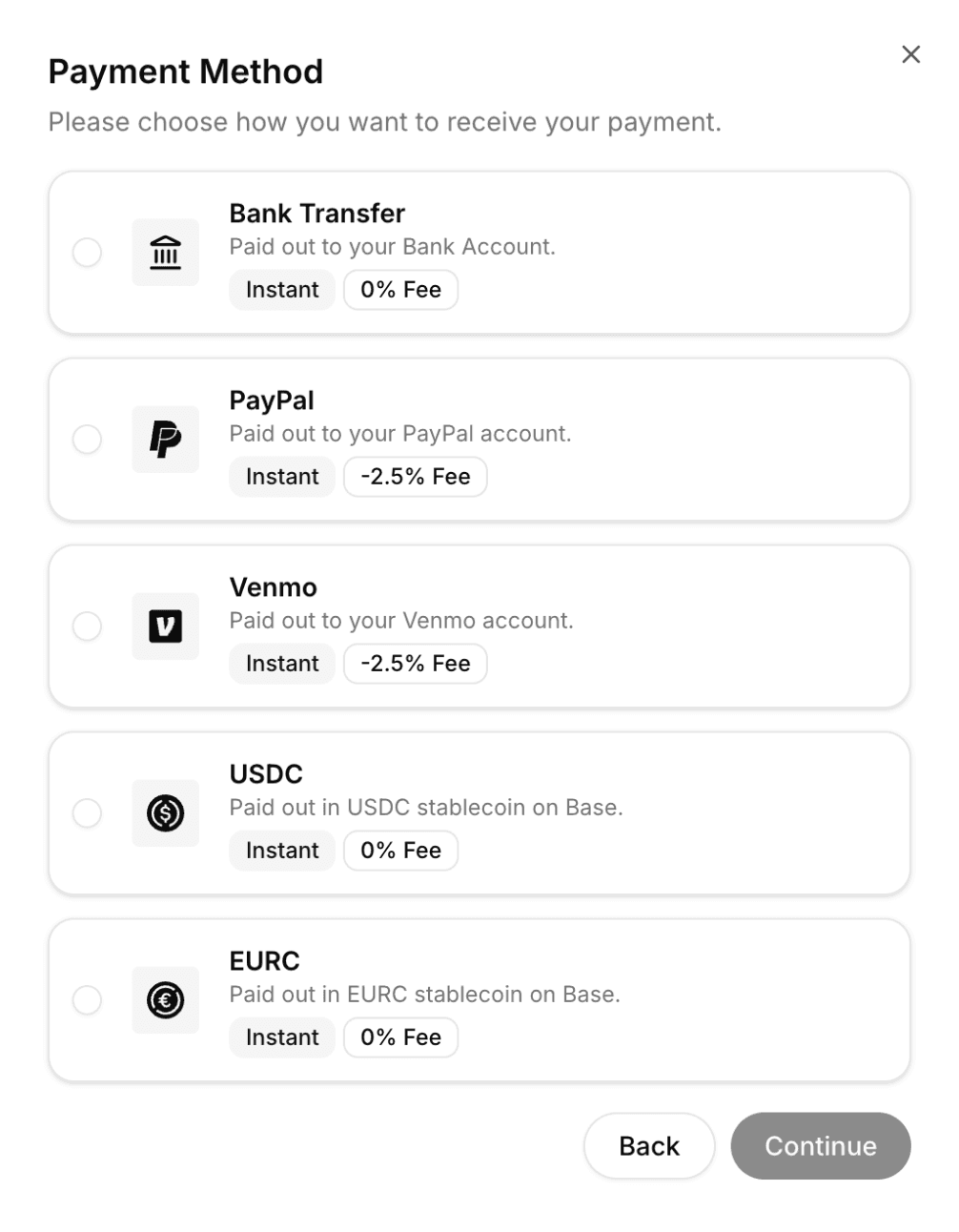
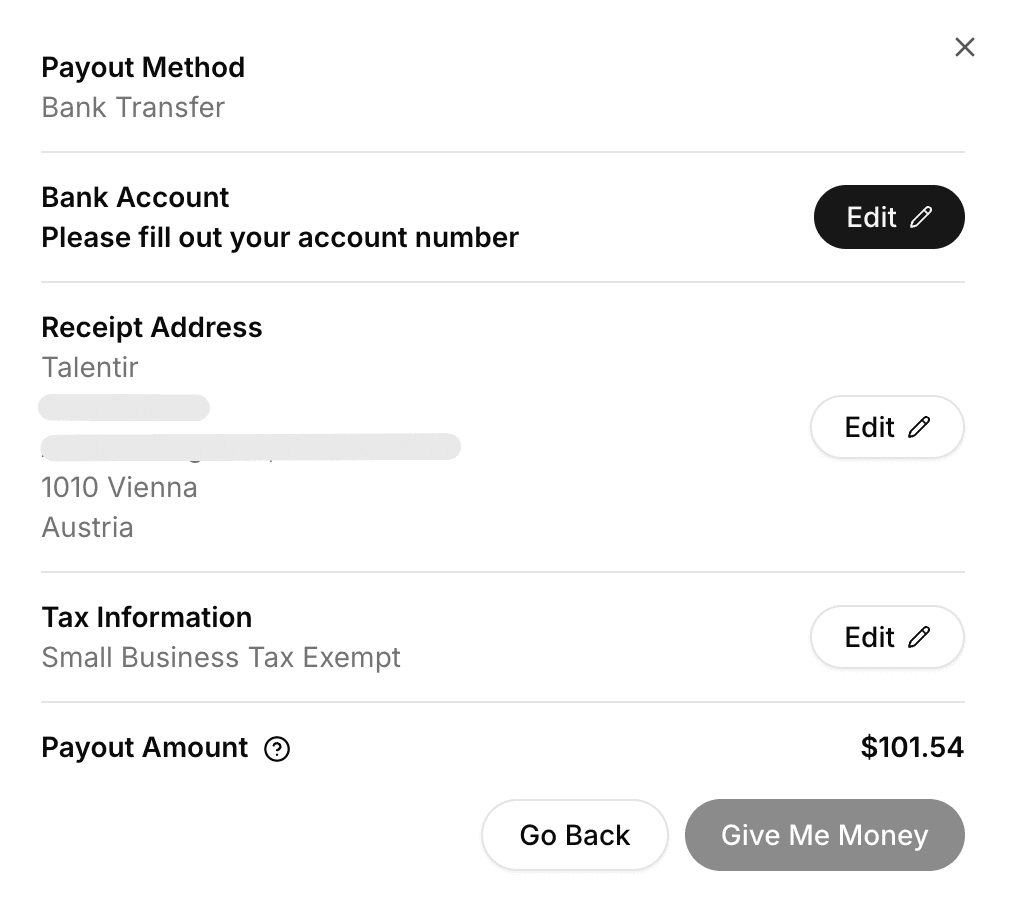
Once a payment method is selected (”Bank Rransfer” was selected in the example below) you will be able to fill out your information and claim the payment.
In case you choose to withdraw your revenues through Stablecoins (USDC or EURC), you will find the revenues in the "Wallet" section on the left.
In case you have not created a Talentir account using a Base account or connecting a wallet, a predefined wallet will be selected. That is the wallet that was created for you.
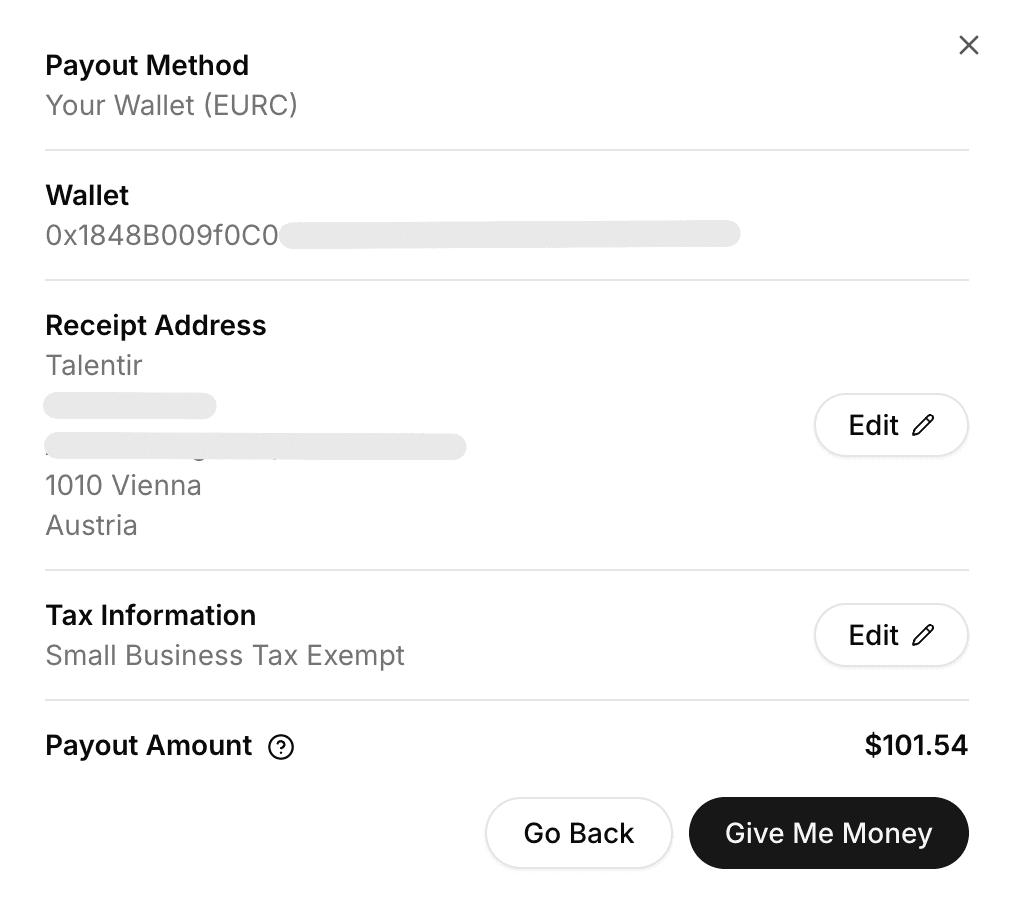
Once you have claimed the amount to the Talentir wallet, you will be able to send it to your wallet anywhere (Binance, Kraken, ByBit, etc). Just click on “Send” and type your address and choose the option you prefer.

When can I start claiming payments?
If you have chosen the real-time payout plan you will start seeing your revenues 3-4 days after you have completed the onboarding process, we need a little bit of time to get the data from YouTube.
After that you can claim payments whenever you want and as many times as you want.
If you have chosen the basic plan you will not have access to real time payments, you will need to wait until the end of the month. Once we have received the payment from AdSense it will be added to your Talentir Balance and you can claim it whenever and however you want.
You can read more about the advantages of real-time payments here.
And if you have any doubt or need any help, we are just one message away. Please use the Chat you can see on the right.
P.S: Feel free to speak your native language in the chat, we can speak every language!